
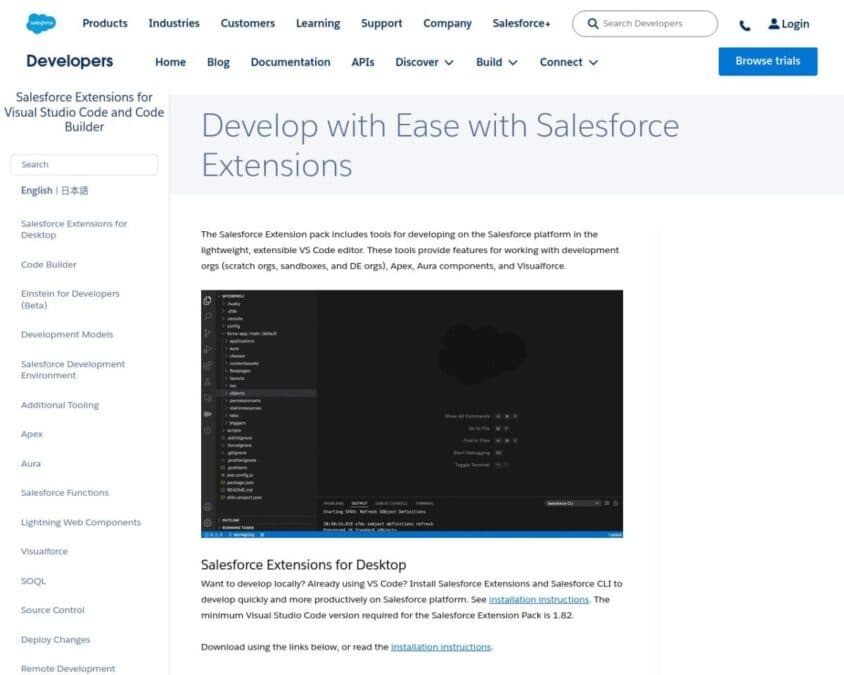
Salesforce Extensions for Visual Studio Code (VS Code) are a suite of powerful tools designed to enhance the development experience for Salesforce developers. These extensions integrate seamlessly with Visual Studio Code, a popular code editor, providing a comprehensive environment for building, debugging, and deploying Salesforce applications.
Key features of Salesforce Extensions for Visual Studio Code include:
- Code Editing: Leverage advanced code editing features such as syntax highlighting, code completion, and linting for Apex, Visualforce, Lightning Web Components, and more.
- Integrated Terminal: Access Salesforce CLI directly within VS Code to run commands and manage Salesforce orgs without leaving the editor.
- Debugging: Utilize robust debugging tools to set breakpoints, inspect variables, and step through code to identify and fix issues efficiently.
- Org Management: Connect to multiple Salesforce orgs, manage scratch orgs, and perform deployments with ease using integrated tools.
- Version Control Integration: Seamlessly integrate with version control systems like Git to manage code versions, collaborate with team members, and track changes.
- Customizable Environment: Customize your development environment with a variety of extensions and settings to suit your specific workflow and preferences.
Salesforce Extensions for Visual Studio Code streamline the development process, making it easier for developers to write, test, and deploy code. By integrating powerful development tools into a single, familiar interface, these extensions help improve productivity, code quality, and collaboration among Salesforce development teams.