
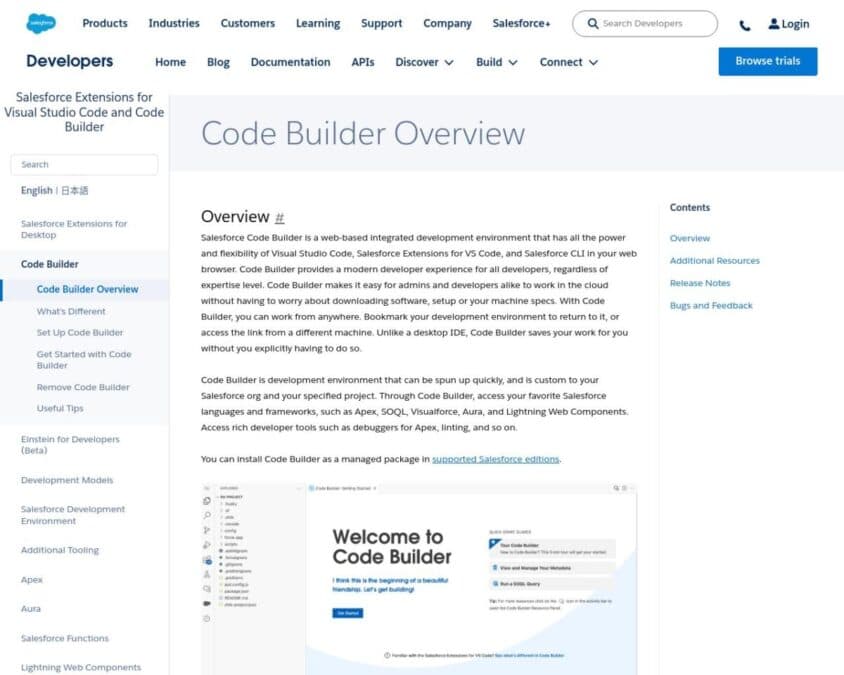
Salesforce Code Builder is a powerful, cloud-based integrated development environment (IDE) that enhances the Salesforce development experience. Built on Visual Studio Code, Salesforce Code Builder provides developers with the tools they need to build, debug, and deploy Salesforce applications directly from their browser.
Key features of Salesforce Code Builder include:
- Cloud-Based IDE: Access a fully-featured development environment from any browser, eliminating the need for local setup and configuration.
- Visual Studio Code Integration: Built on the popular Visual Studio Code platform, offering a familiar interface and robust development tools.
- Comprehensive Tooling: Leverage advanced features such as code completion, syntax highlighting, and debugging for Apex, Visualforce, Lightning Web Components, and more.
- Salesforce CLI Integration: Seamlessly integrate with Salesforce CLI to run commands, manage orgs, and automate deployment processes directly from the IDE.
- Git Integration: Manage version control with Git integration, enabling collaboration and efficient code management across teams.
- Preconfigured Environments: Quickly start new projects with preconfigured environments tailored for Salesforce development, reducing setup time and increasing productivity.
- Real-Time Collaboration: Collaborate with team members in real-time, allowing for pair programming, code reviews, and joint debugging sessions.
Salesforce Code Builder empowers developers by providing a flexible and efficient development environment that can be accessed from anywhere. By integrating powerful development tools and Salesforce-specific features, Code Builder enhances productivity and streamlines the development lifecycle, enabling faster delivery of high-quality Salesforce applications.