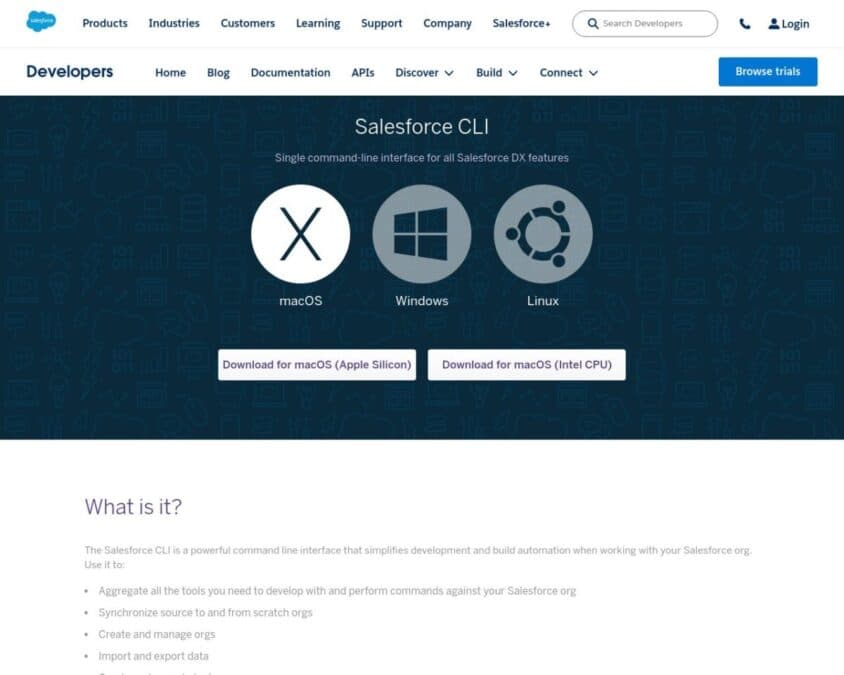
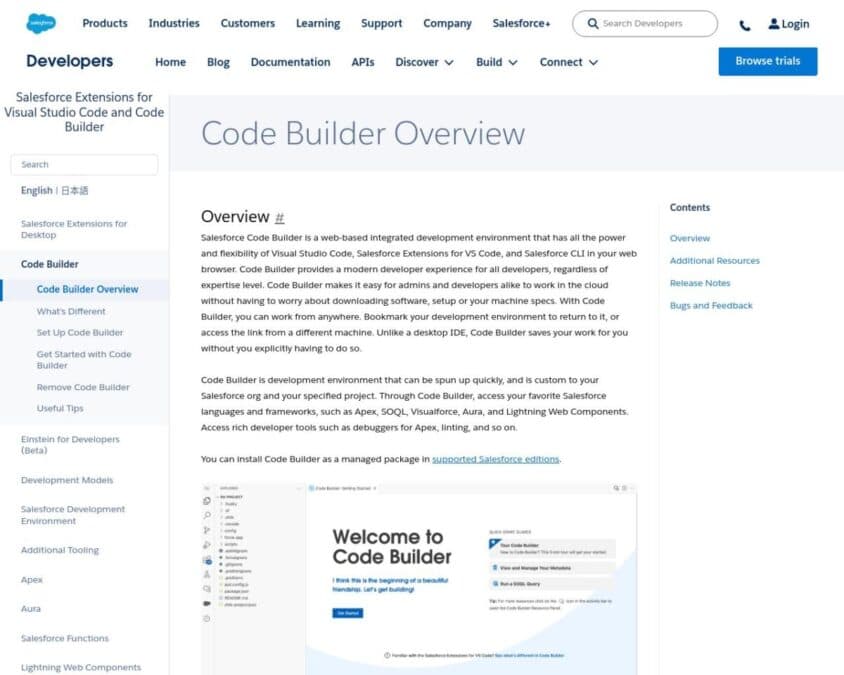
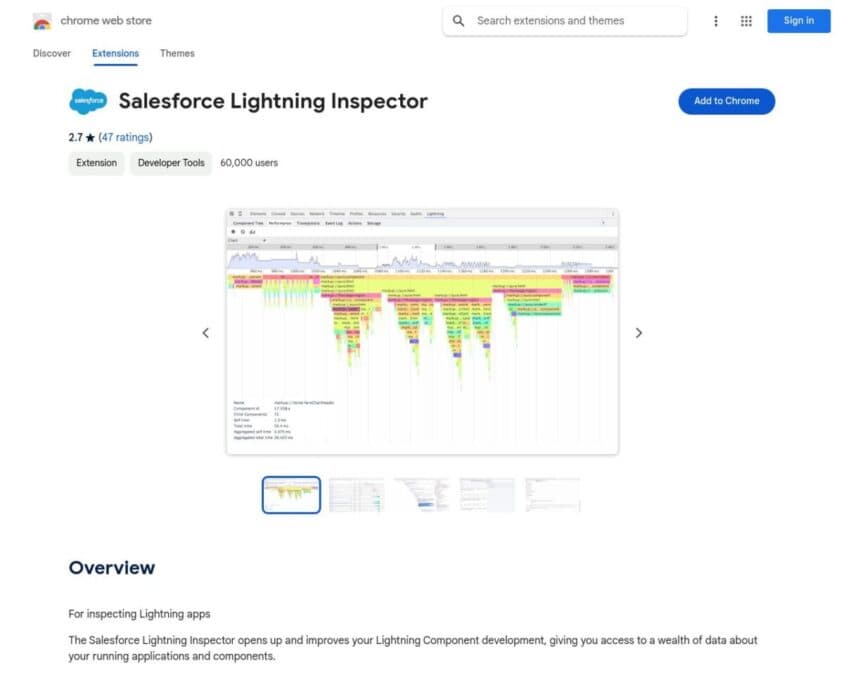
Salesforce Developer Tools encompass a range of applications, extensions, and platforms designed to enhance the productivity and efficiency of Salesforce developers. These tools provide advanced capabilities for coding, debugging, testing, and deploying Salesforce applications, customizations, and integrations.
Key features of Salesforce Developer Tools typically include:
- Integrated Development Environments (IDEs) optimized for Salesforce
- Code editors with syntax highlighting and auto-completion for Apex and Lightning components
- Debugging tools for Apex, Visualforce, and Lightning
- Version control integration (e.g., Git)
- Metadata management and deployment tools
- API explorers and testing utilities
- Performance profiling and optimization tools
- Salesforce DX support for scratch org development
- Command-line interfaces for automated tasks
- Code analysis and best practice enforcement
- Collaborative coding features for team development
By leveraging specialized Salesforce Developer Tools, developers can significantly accelerate their workflow, improve code quality, and streamline the deployment process. These tools enable more efficient management of complex Salesforce projects, facilitate collaboration among team members, and help maintain consistency across different environments. Ultimately, the use of advanced developer tools leads to faster development cycles, reduced errors, and more robust Salesforce implementations.